How Clever App works

Rupali
Last Update één maand geleden
The Clever Variant app is designed to be user-friendly and easy to set up. Here's how you can add it to your Shopify store:
1. Head to the Shopify app store and add the Clever Variant app.
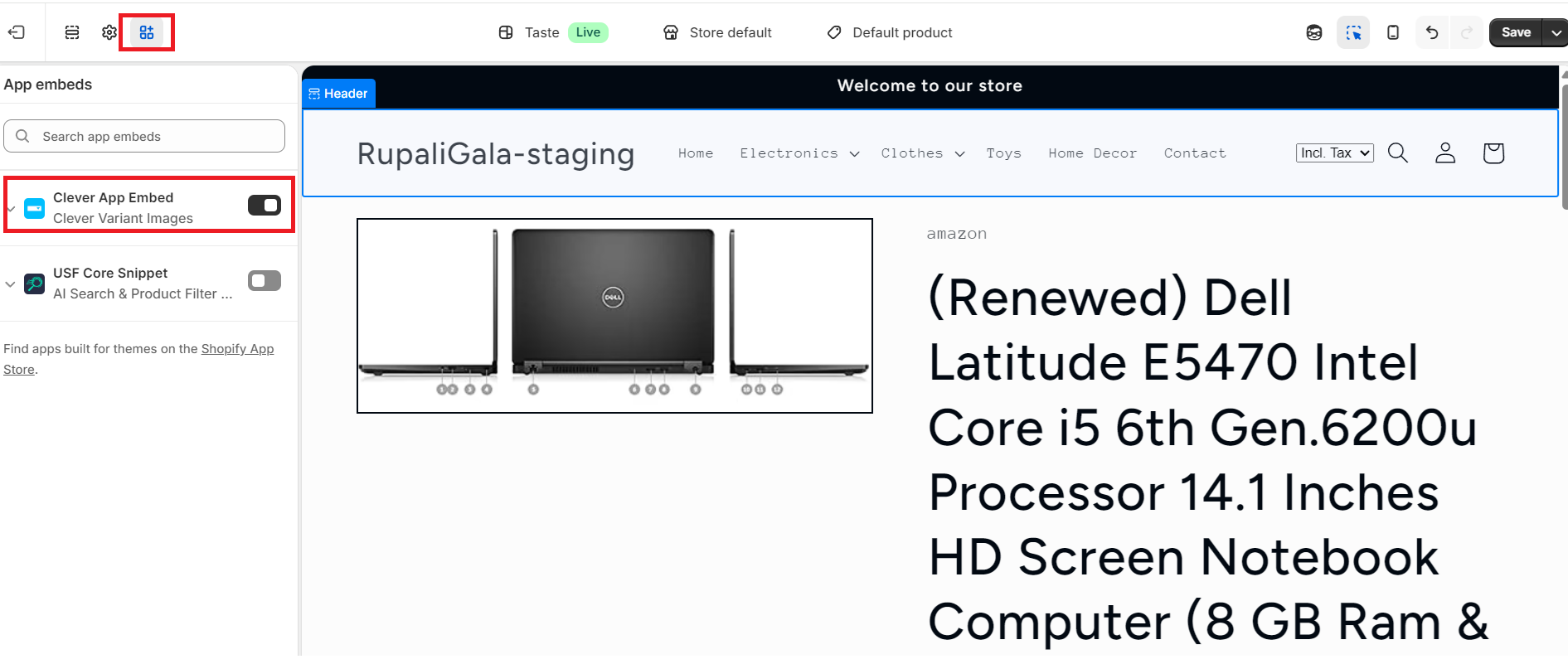
2. Click the 'Customize' button for the published theme, navigate to the App embeds page, and turn on 'Clever Code'. Save your changes.
3. Log in to the app, choose your theme, and press the Install code button. There's no coding required!
4. Use the app editor to arrange product images based on variant options. You can find more information on this here.
By following these steps, your product pages will display images variant-wise, giving your customers a better shopping experience.